
IzyIcons: Social Icons & Share
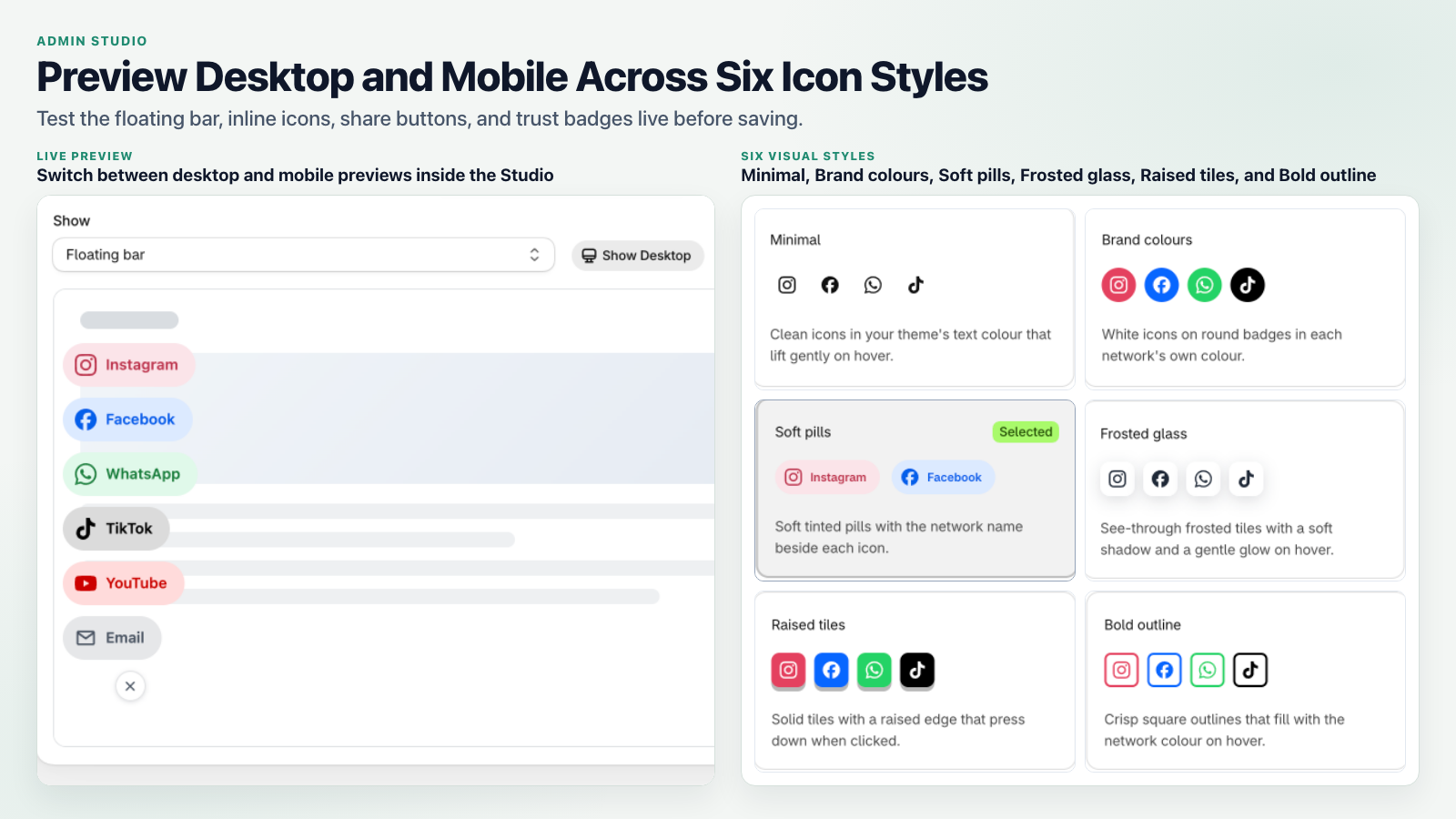
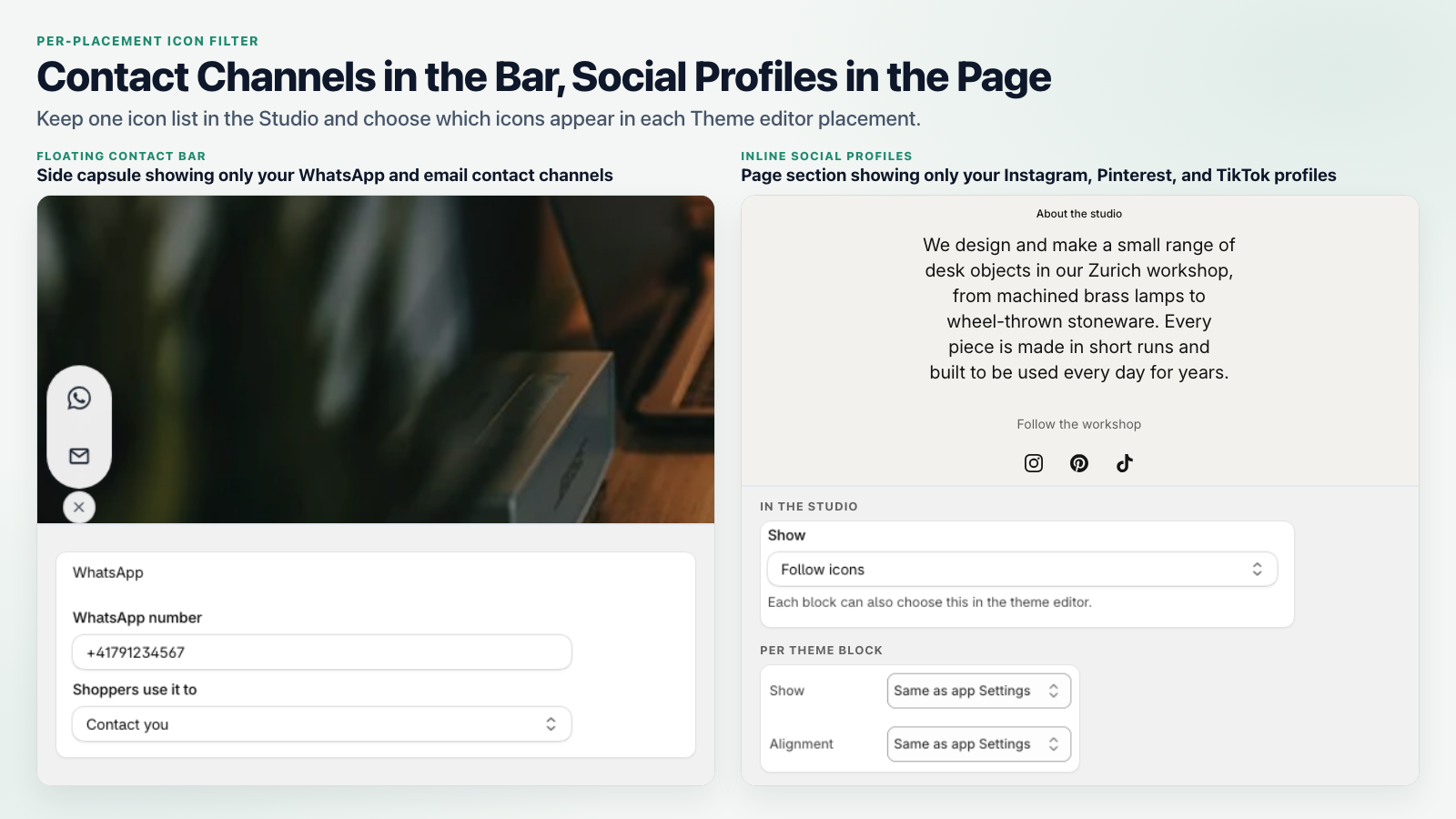
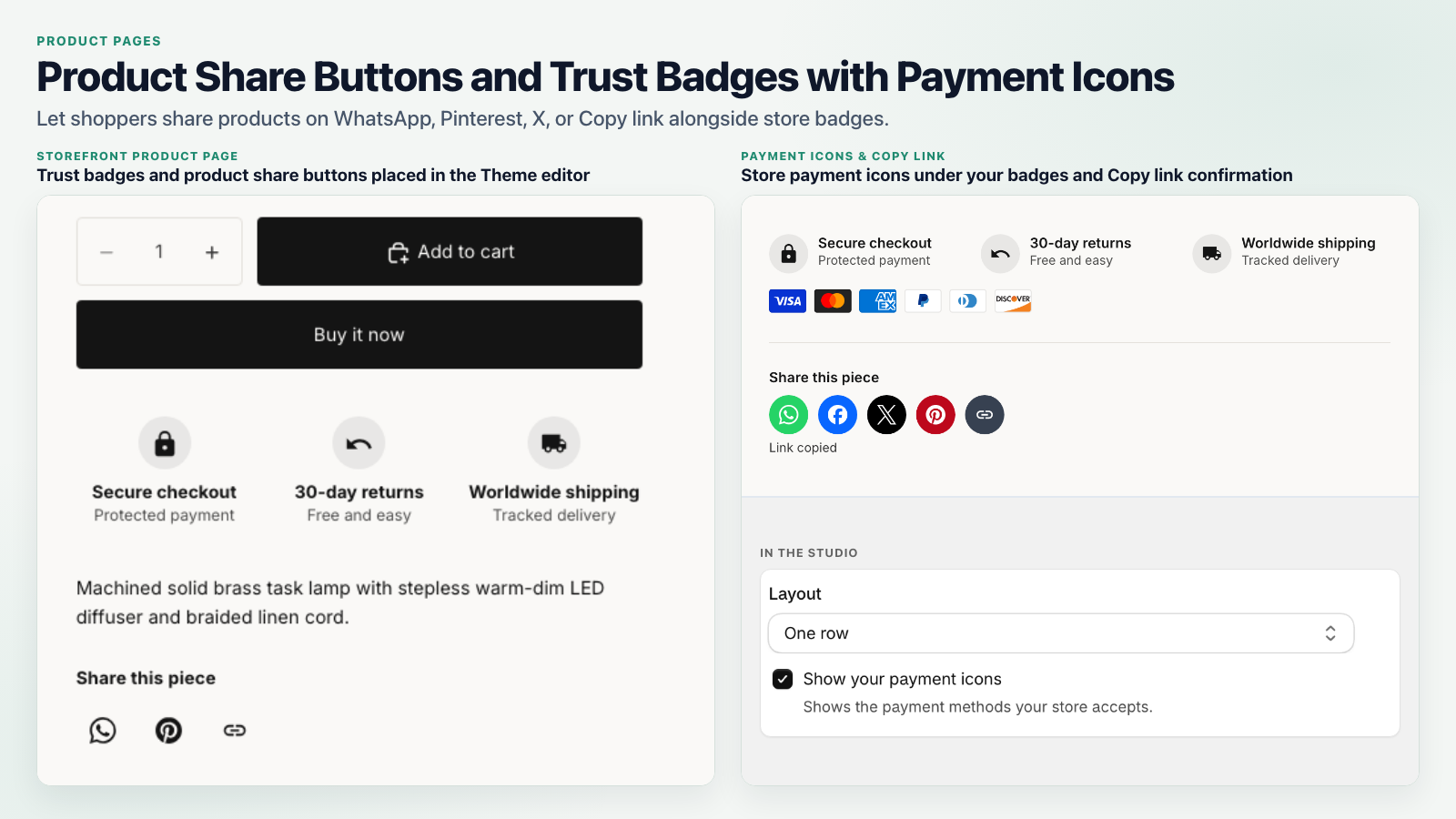
Add a floating social and WhatsApp contact bar, inline follow icons in your header or footer, and 1-click product share buttons. Show social profiles in one place and contact channels in another, all from a single icon list. Add trust badges that use your store's payment icons, and follow links on the Thank You page. Choose from 23 networks and 6 styles with a live preview, and see which icons shoppers click.
How It Works in Your Store
Your social links from Shopify are filled in for you. Pick a style, add the blocks in the Theme Editor and you are done.
23 networks and contact channels
Instagram, TikTok, Facebook, YouTube, Pinterest, X and more, plus WhatsApp, phone and email. The WhatsApp button opens a chat with a prefilled message that names the product the shopper is looking at.
Fast on every page
The blocks are rendered by your theme with your saved settings. Nothing is loaded from our servers when a page opens, and no visitor limits apply on any plan.
See what shoppers click
Clicks and shares for the last 30 days, by channel and by placement, with a log of the most recent clicks. No cookies and no personal data about your shoppers.
Pricing Plans
Start free with up to 5 icons. Paid plans come with a 14-day free trial and are billed monthly or yearly through Shopify, with no visitor limits on any plan.
Free
Free forever- Up to 5 social, share or contact icons
- Floating bar and inline icon block
- Minimal and Brand colours styles
- Unlimited store visitors
- No watermark on your store
Pro
Recommended- Everything in Free, plus:
- Unlimited icons and share buttons
- All 6 styles with hover animations
- Clicks by channel and placement
- Show bar by device and page type
- Priority merchant support
Studio Plus
Badges and Thank You page- Everything in Pro, plus:
- Trust badges with your payment icons
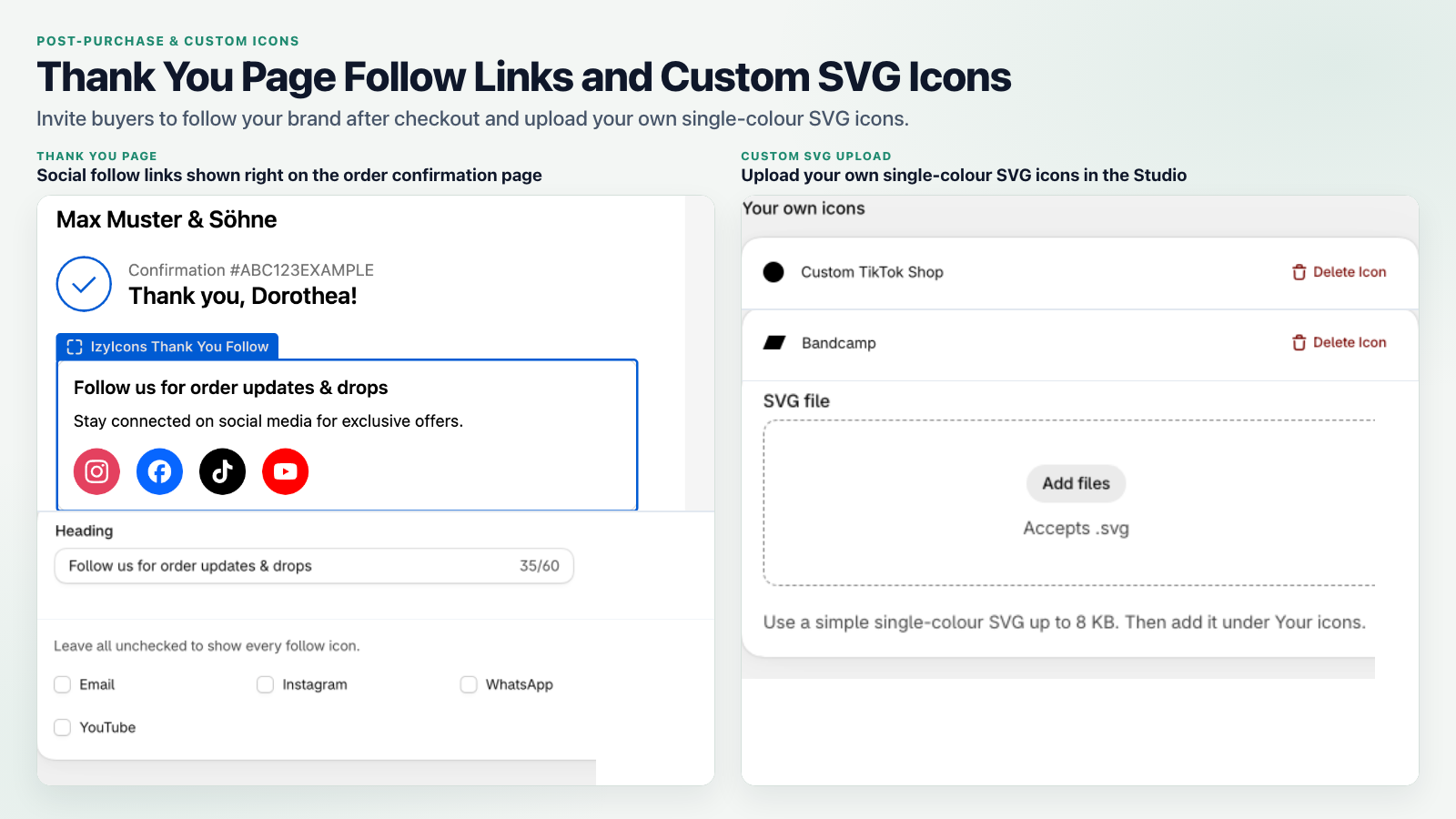
- Follow links on your Thank You page
- Upload your own icons
- Priority merchant support
Frequently Asked Questions
Where the icons appear, what the app stores and what each plan includes.
Do I have to edit my theme code?
No. The floating bar is an app embed you switch on in the Theme Editor, and the icon, share and badge blocks are app blocks you add to any section. The Setup Guide in the app shows each step, and the Thank You follow block is added in the checkout editor.
Where do my social links come from?
From the social links you already saved under Settings and Brand in your Shopify admin. The setup wizard fills them in, and you can add, remove or reorder icons at any time.
Can the bar show different icons than the footer?
Yes. You keep one icon list, and each placement chooses whether to show all icons, only social profiles or only contact channels. A WhatsApp and phone bar next to a footer with your social profiles is the usual setup.
Does the app slow down my store?
The icons are rendered by your theme from your saved settings, so opening a page loads nothing from our servers. Only a click on an icon sends a small count to the app, without cookies or personal data.
Is there a watermark on the Free plan?
No. No plan shows a watermark, badge or app name on your storefront. The Free plan is limited to 5 icons and two styles; paid plans add icons, styles, click statistics, trust badges and the Thank You page block.
What does the app store about my shoppers?
Nothing personal. A click is counted with the network, the placement, the page type and the device type, never with an IP address, cookie or customer identifier. Details are in the privacy policy.