Voyage: 3D Image Slider
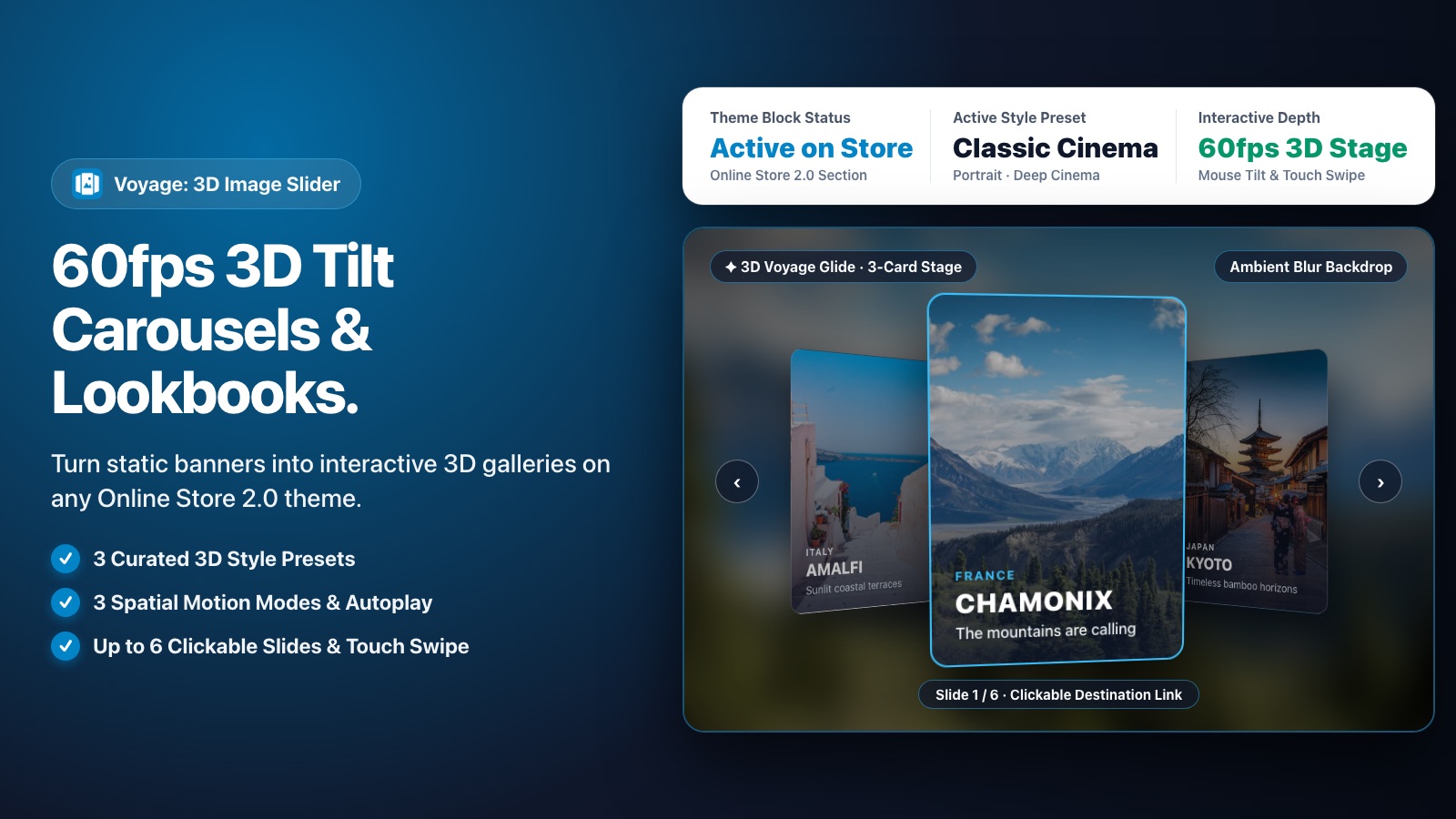
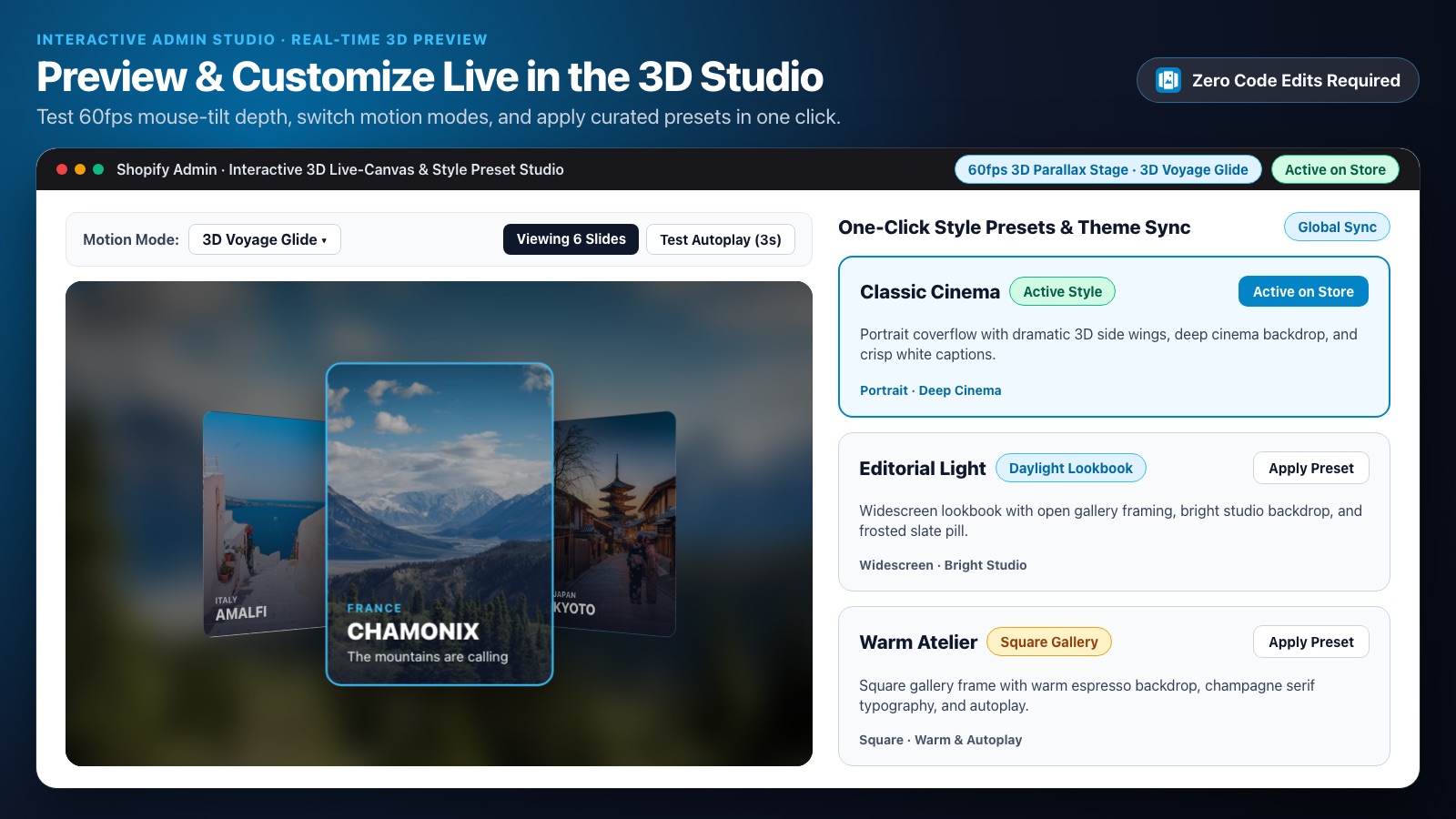
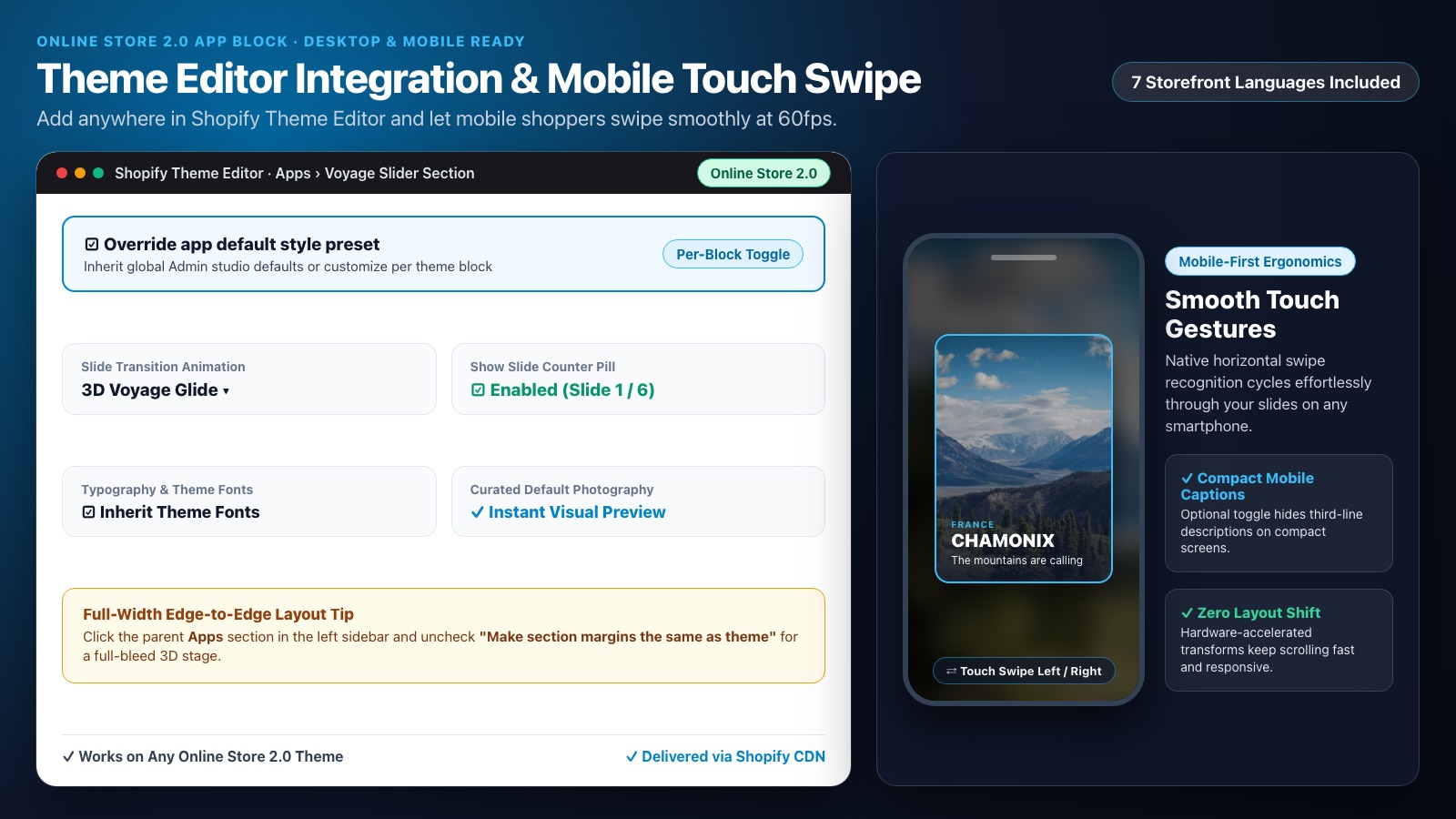
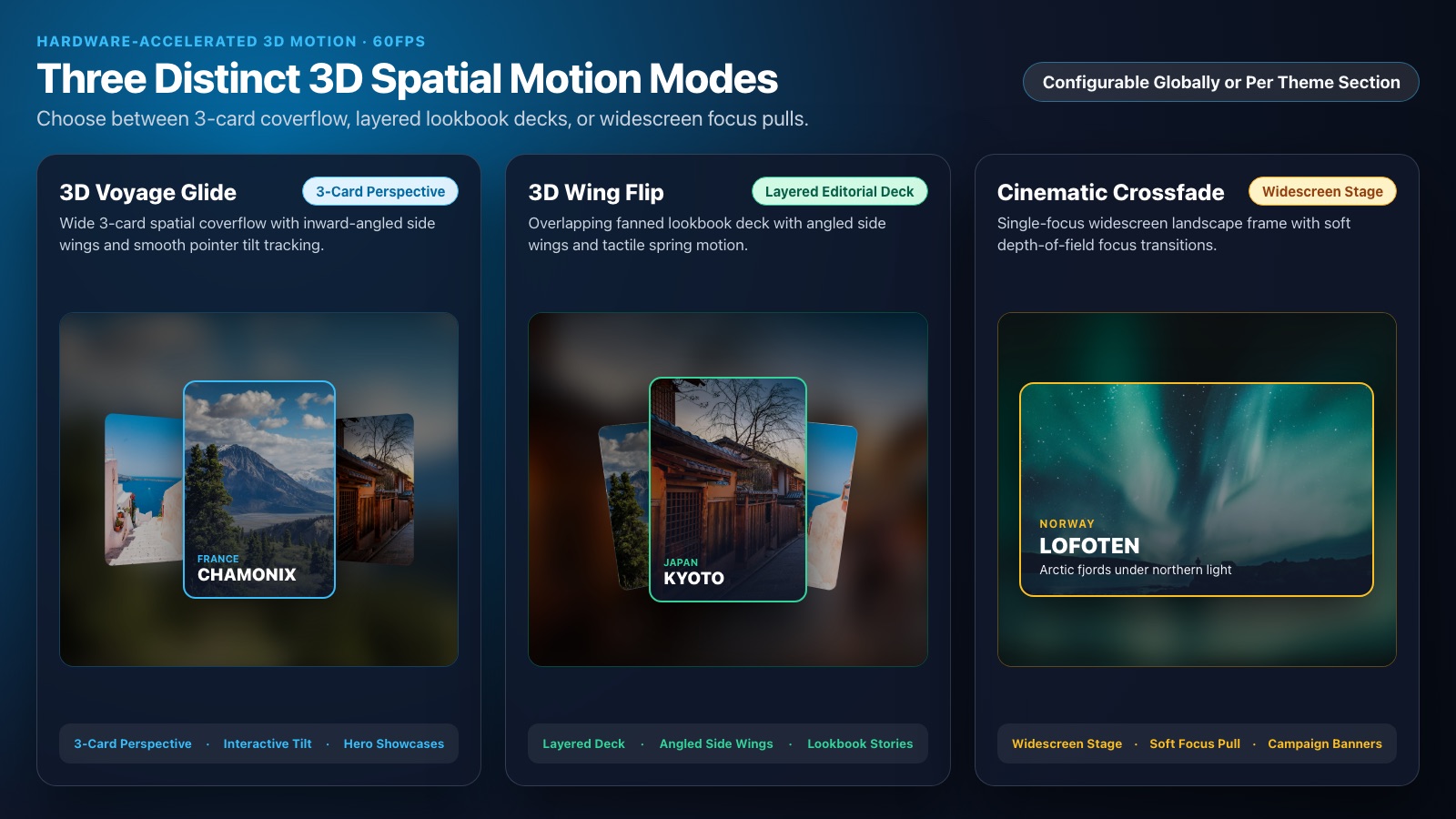
Show your photos in a 3D slider that tilts with the mouse on desktop and swipes by touch on phones. You add it in the Theme Editor, with no code.
Coming soon to the Shopify App Store
How It Works in Your Store
Works with Online Store 2.0 themes. You don't edit your theme's code.
Your Theme Stays Yours
The slider is a section you add and remove in the Theme Editor, like any other. Nothing is written into your theme's code.
Your Photos Stay in Your Theme
The images, texts and links of your slides are saved in your theme by Shopify, not by us.
No Access to Your Store Data
Voyage requests no access to your products, orders or customers.
Pricing Plans
Start on the Free plan. Pro is billed through Shopify, monthly or yearly.
Free
To try it on your store- 3-slide 3D slider
- Unlimited storefront views and traffic
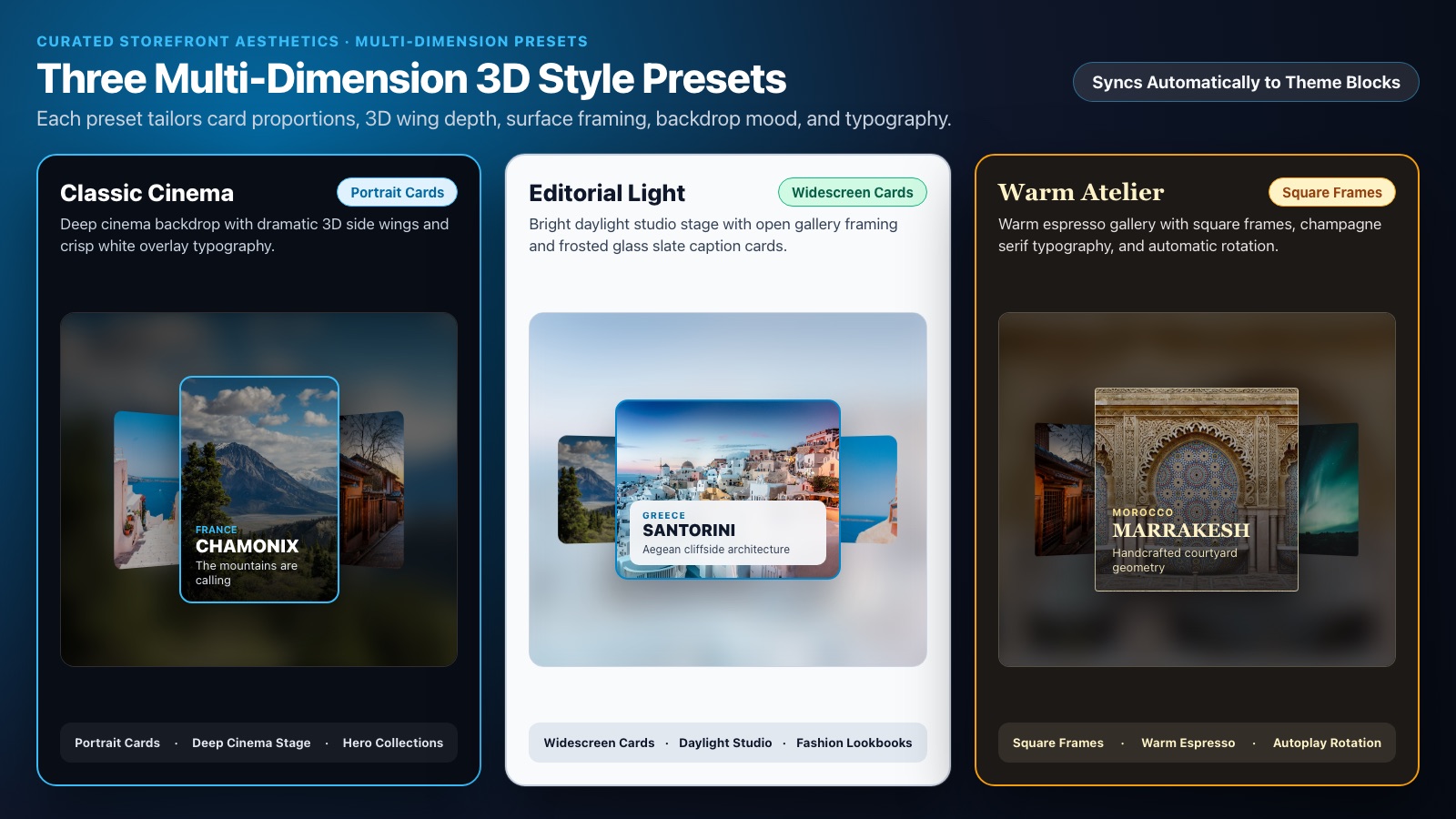
- Classic Cinema style
- 3D mouse tilt on desktop, touch swipe on phones
- Live preview of the Pro styles in the Theme Editor
Pro
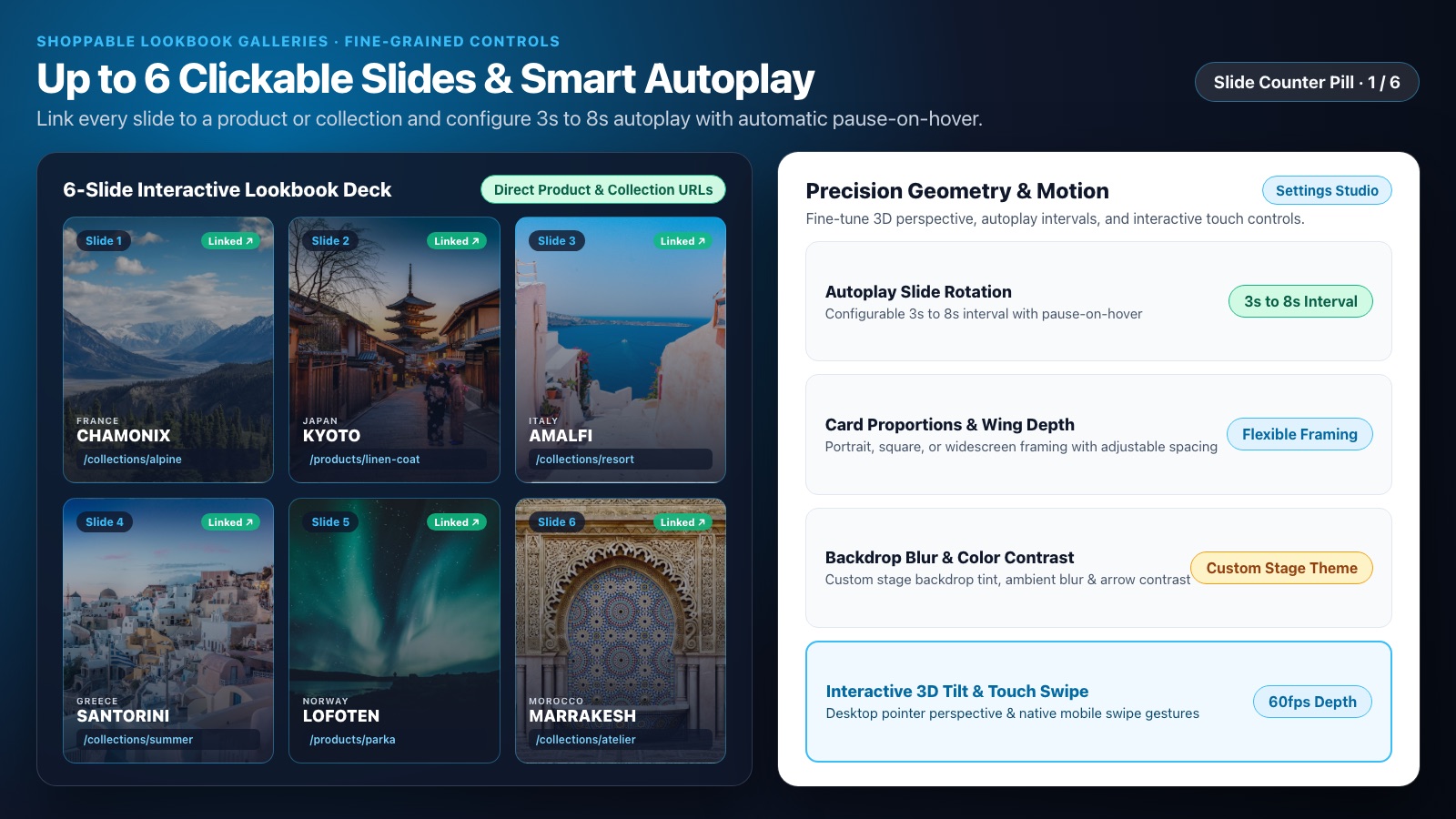
All styles and motions- Up to 6 slides with clickable links
- Removes the attribution icon
- 3 styles and 3 motions
- Autoplay every 3 to 8 seconds, wing tilt and colors
- Priority merchant support
Frequently Asked Questions
What it needs, what it costs, and what it does with your data.
Do I need to edit my theme's code?
No. You add the slider as a section in the Theme Editor, on any Online Store 2.0 theme.
Is there a limit on views?
No. Both plans include unlimited storefront views and traffic.
Can I see the Pro styles before I pay?
Yes. You can preview them in the app and in the Theme Editor. Your live store shows them once you are on Pro.
What data does Voyage use?
Your slider style settings and your plan status. Voyage does not access your products, orders or customers. The full list is in our privacy policy.